 Awayyk
An alarm that gets you out of bed.
Awayyk is an alarm app for heavy sleepers. Turn it off with a wake-up mission like a sky photo or push-ups.


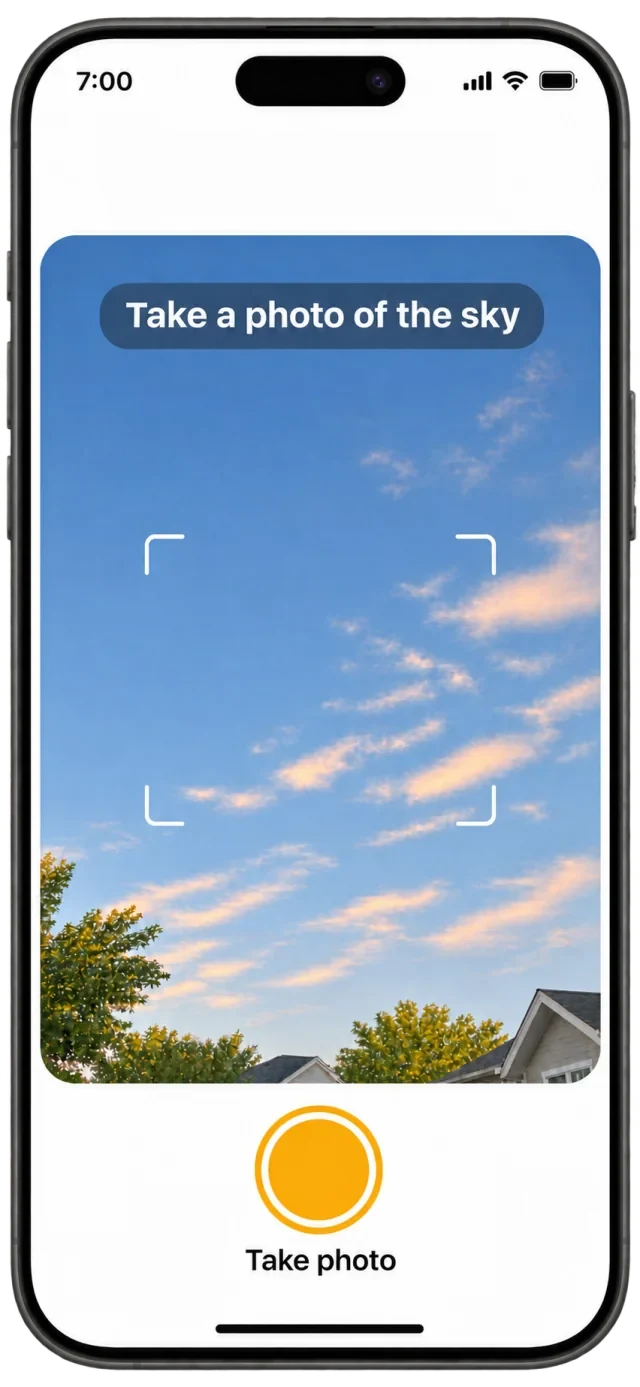
How Awayyk works
Set your alarm
Choose when you want to wake up.
Pick a mission
Choose what you’ll do when it rings.
Complete the mission
Finish the challenge to turn off your alarm.
Wake-up missions
Sky photo
Head to a window and snap a photo of the sky.
Object photo
Get up and take a picture of a specific object.
Phone shake
Shake your phone until you hit your target.
-
QR/barcode scanning
Get out of bed and scan the QR code or barcode you registered.
Push-ups
Get on the floor and finish your reps.
-
Squats
Do a set of squats while your camera counts your reps.
Frequently asked questions
Can I use Awayyk as a regular alarm clock?
Yes. You can set a regular alarm with a gentler sound and dismiss it without completing a mission.
Can I snooze my alarm?
Regular alarms can use snooze. With a mission alarm, you complete the task to turn it off.
Which wake-up missions use the camera?
The camera takes sky and object photos, scans QR codes and barcodes, and counts push-up and squat reps. The phone shake mission uses motion sensors.
Where can I get Awayyk?
Download Awayyk for free on the App Store for iPhone or Google Play for Android. Wake-up missions require Awayyk Pro.
Make getting up your first win.